An Android app for herdr
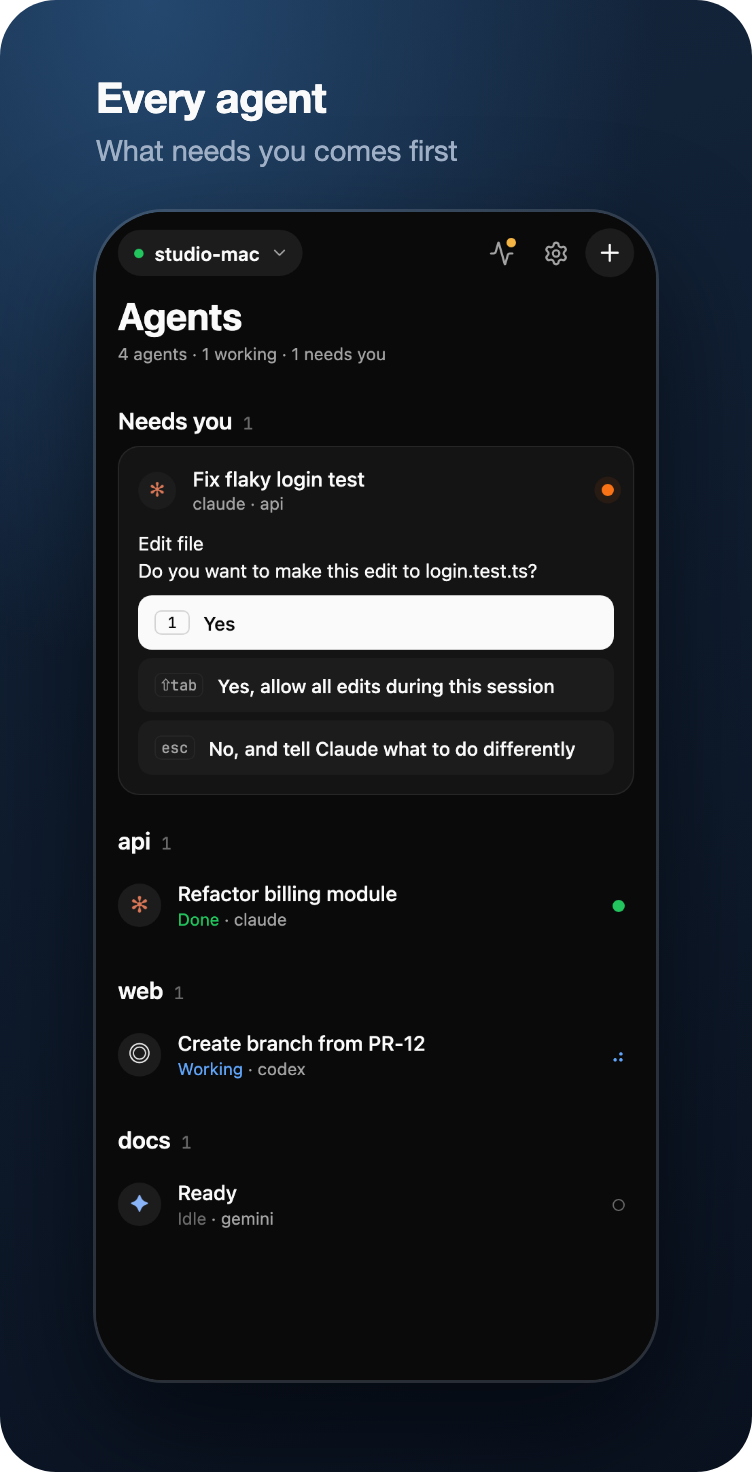
Shepherd puts your herdr agents on your phone. See which ones are stuck, read what they wrote, and tap the answer. Your laptop can stay shut in the bag.
Works with Claude Code Codex Gemini CLI and more
4 agents · 1 working · 1 needs you
// the live terminal
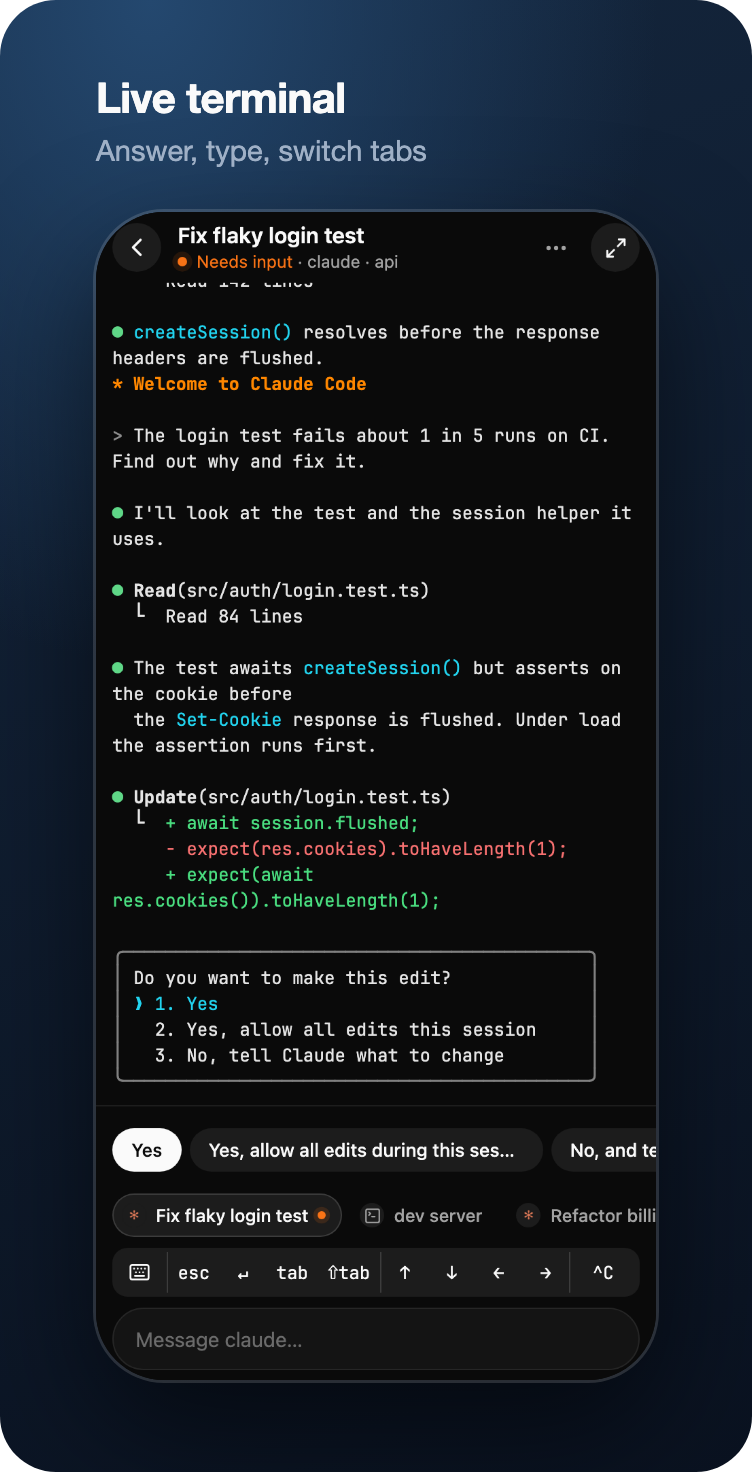
The host runs a headless xterm next to herdr and sends only the rows that changed. The app draws them as real text, fitted to your screen.
So you can scroll back through the whole session, pinch to change the size, search, long-press to copy and tap links. When the agent asks something, the answers turn into buttons.
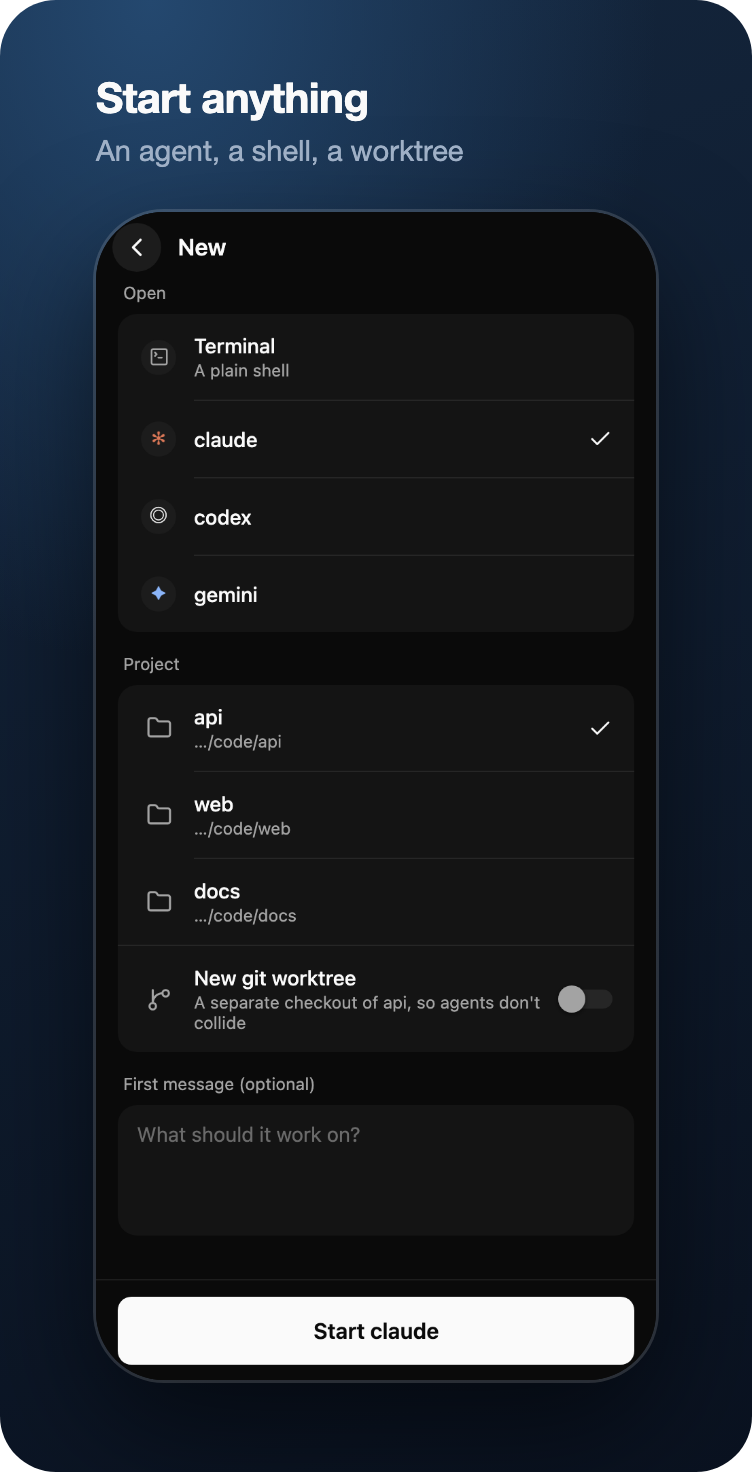
esc ↵ tab ↑ ↓ ^CQuick keys along the bottom, for when buttons aren't enough.tabsHop between herdr tabs. Open a shell, or start an agent in a project or a fresh git worktree.// away from home
The pairing QR code carries every address your computer has. The app dials all of them together, keeps whichever answers first, and switches when you change networks. You never pick one.
End-to-end encrypted on every route, relay included: a Noise-style handshake with your computer's key pinned from the QR code, then ChaCha20-Poly1305. The relay is a Cloudflare Worker you deploy to your own account, and the free plan is enough. Tailscale needs no setup at all; the host finds its address on its own.
// notifications
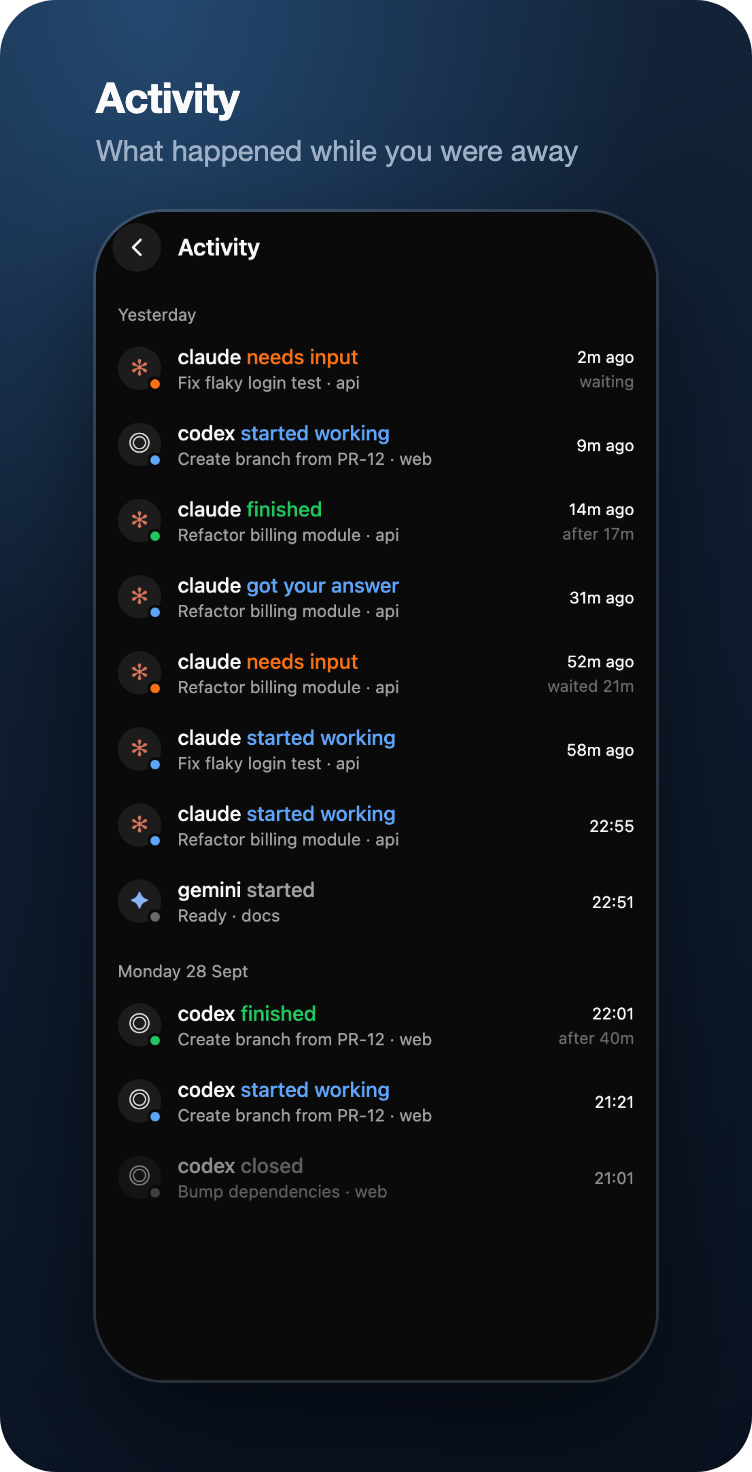
When an agent asks a question, your phone buzzes with the question and up to three of its answers as buttons. You get one when it finishes, too.
Notifications go through ntfy, so there's no Firebase and no Google account. A button can only pick an answer the agent offered. It works once, expires after 30 minutes, and does nothing if the agent has already moved on.
// the rest of it
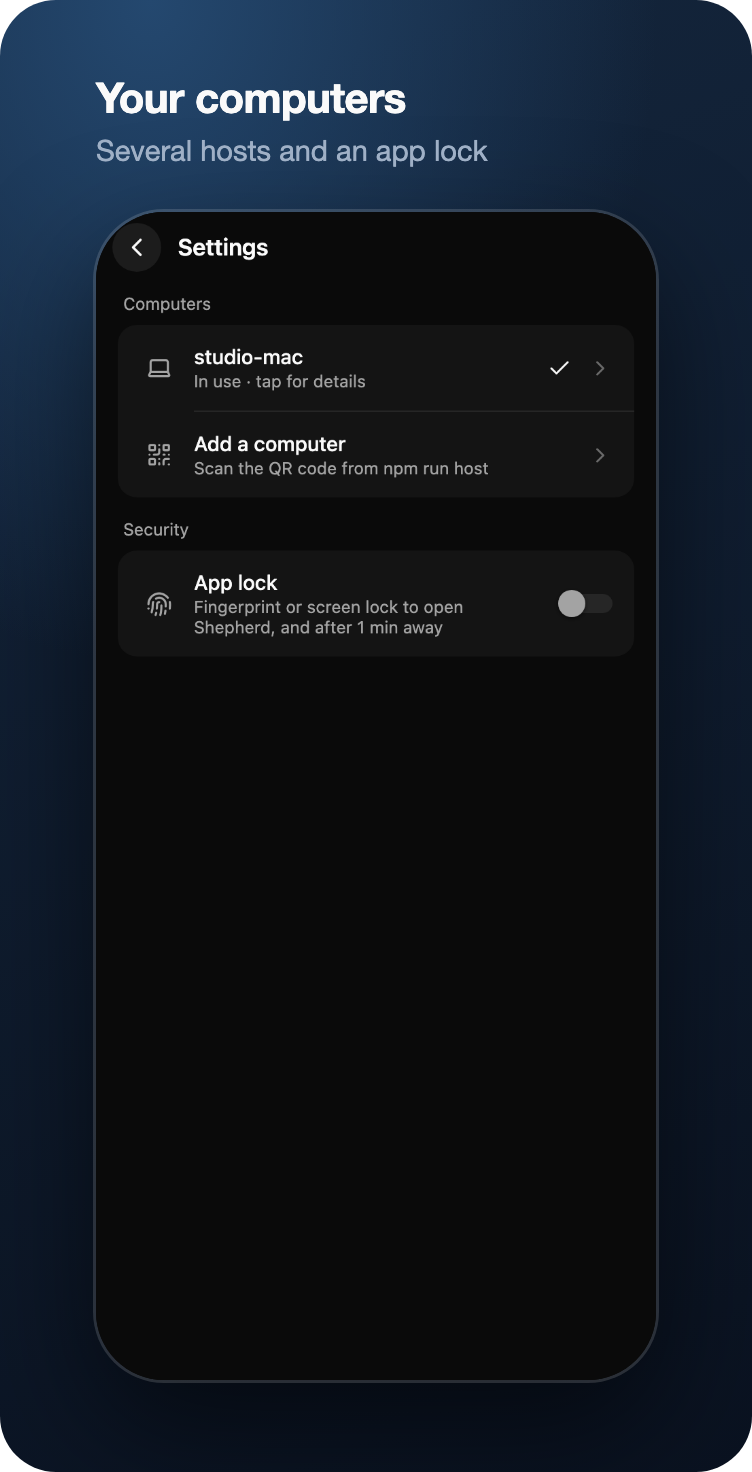
// setup
git clone https://github.com/zenodea/shepherd.git && cd shepherd && npm install && npm run hostnpm run build:apk -w @shepherd/mobileYou'll need herdr 0.9 or newer, Node 22.18 or newer, and an Android phone. Want to look around first? npm run app:demo runs the app against a pretend computer full of pretend agents. Full instructions are in the README.
 Shepherd